

Category
Wi-Fi
Wi-Fi connections, routers, signal, and network problems.
Practical guide
About Wi-Fi
Wi-Fi provides guidance for handling common situations safely and with better information. These guides help you recognize the problem, understand likely causes, and decide what to do next.
You will find content about wi-fi connections, routers, signal, and network problems. Each solution presents clear steps, important warnings, and signs that indicate when to stop and seek specialized help.
Start with the problem closest to your situation, review the recommendations carefully, and follow the safety measures before acting.
Most accessed problems
Explore also
 Mobile phones
 Internet
 Computer
 Laptop
 Printer
 Digital security
 Apps
 Audio and video
 Smart TV
 Storage
 Email
 Bluetooth
Solutions for Wi-Fi
Chromecast Won't Connect: How to Set It Up Again
Fix a Chromecast that does not appear on your phone, will not connect to Wi-Fi, or cannot cast content to your TV.
 15-30 minutes
Forgot your Wi-Fi password: how to find or change it
Learn safe ways to find the Wi-Fi network password on authorized devices or change the password directly on the router to regain access.
10 minutes
Share Wi-Fi password by QR Code: complete guide
Learn how to share a Wi-Fi password by QR Code on a phone, connect devices quickly, and avoid errors when typing the network password.
3 to 5 minutes
Internet keeps disconnecting: how to stabilize the connection
Learn to identify the most common causes of frequent internet disconnections, improve Wi-Fi stability, and know when to contact the provider.
15 minutes
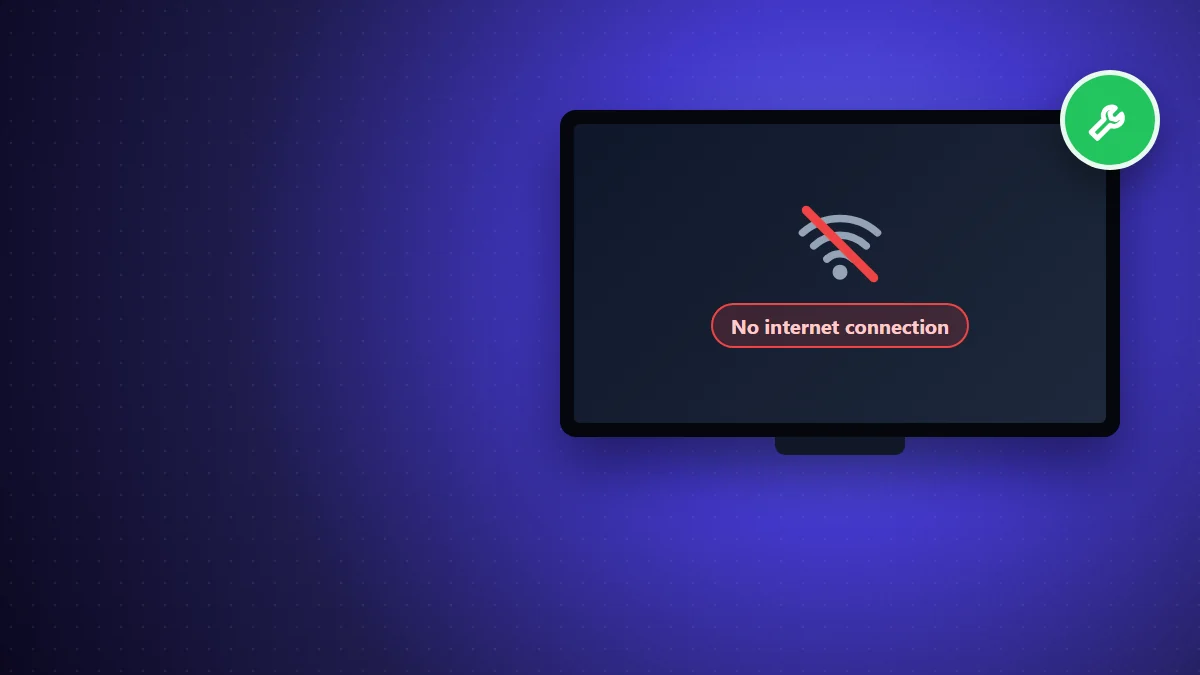
Smart TV without internet: how to reconnect to Wi-Fi
Learn how to identify whether the problem is with the Smart TV, router, or provider and how to restore the connection so you can use streaming apps and online services again.
15 minutes
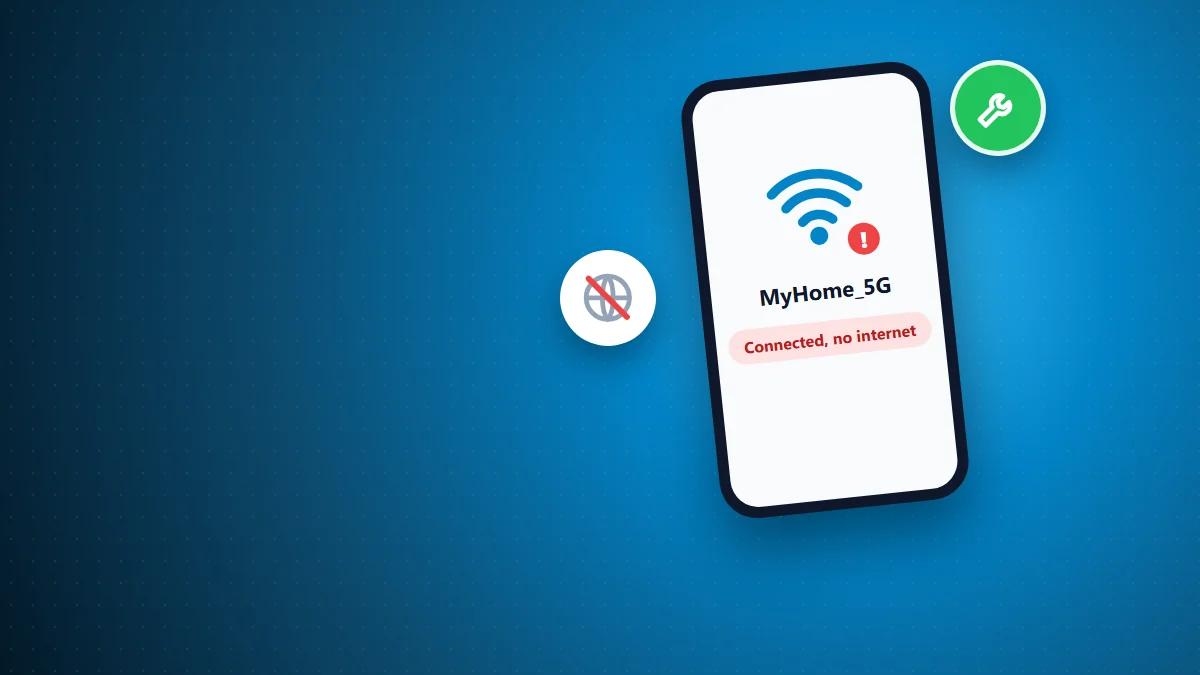
Wi-Fi Connected but No Internet: Causes and Solutions
Wi-Fi connected but no internet? Learn how to identify the cause, test your network, and restore internet access on your phone.
10 to 15 minutes
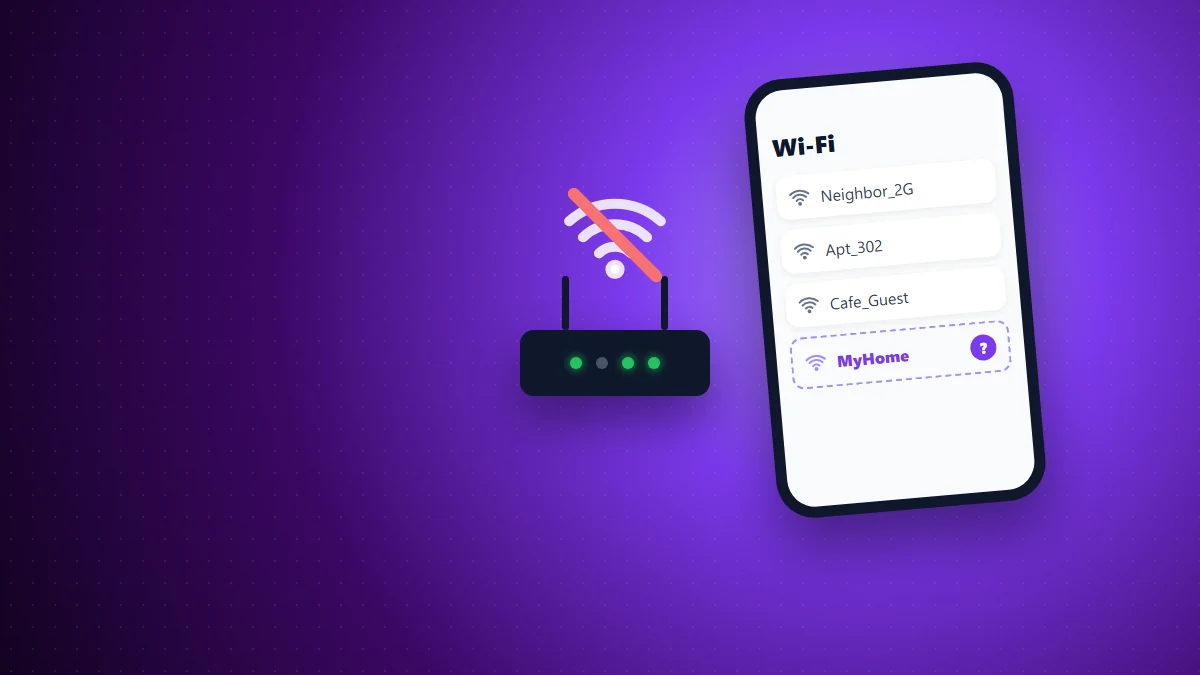
Wi-Fi Network Not Showing Up? How to Make It Appear Again
Learn the identify why a Wi-Fi network doesn't appear in the lista of conexões and see how to fix problems of sinal, frequência and configuration of the roteador.
10-15 minutes
Frequently asked questions about Wi-Fi
Quick answers to common questions.
How do I find the right solution in Wi-Fi?
Choose the guide whose title and description best match your situation. Read the initial safety guidance before taking any step.
When should I seek professional help?
Seek a professional when there is a safety risk, missing equipment, worsening symptoms, or uncertainty about how to proceed.